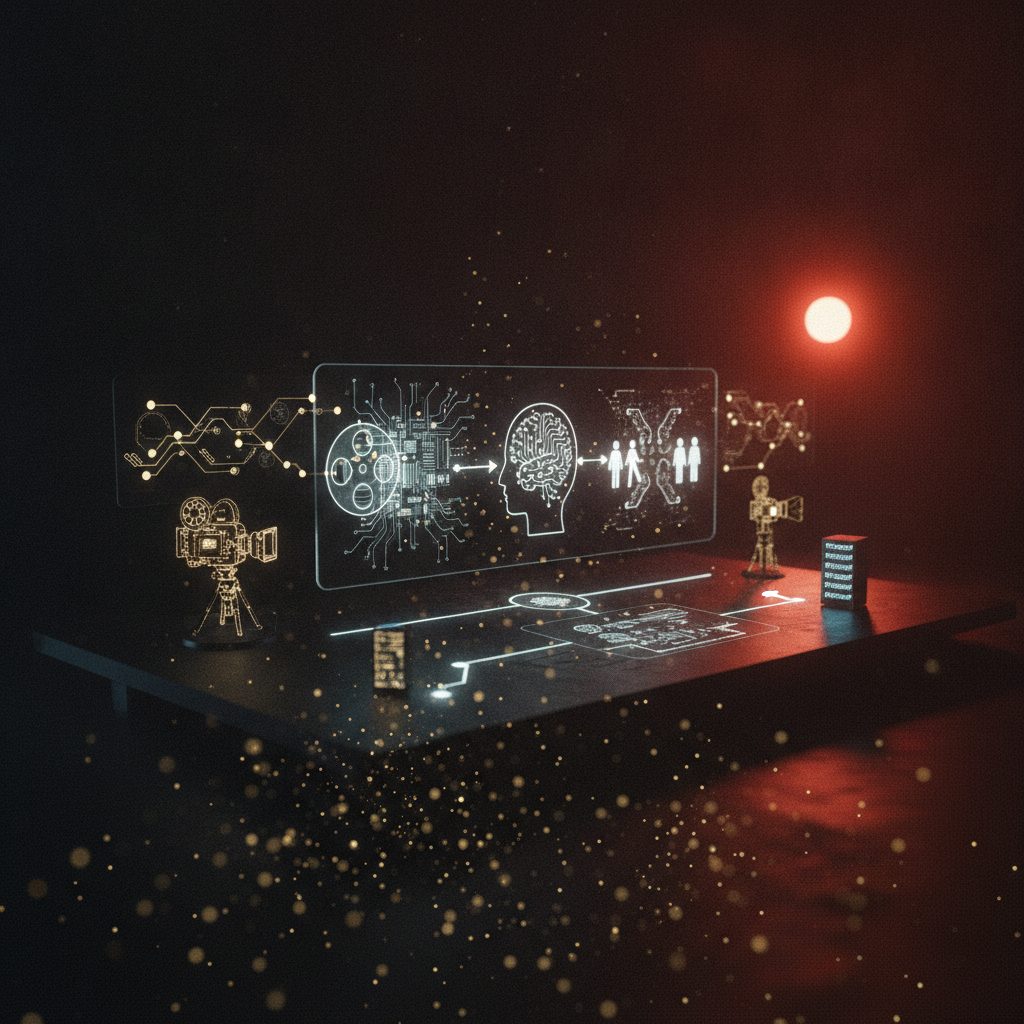
Last week I trained a Soul ID on a client's spokesperson using a handful of phone photos. Twenty minutes later, that face was locked into Higgsfield's system for good. Same jawline, same skin tone, same slightly asymmetric smile, whether I put her in a slow dolly toward a product on Seedance 2.0 or a Kling 3.0 tracking shot through a fake trade show floor. Three years ago this would have been a week of Midjourney character sheets and prayer. Now it's something I do between calls.
That's the actual story in AI filmmaking right now, not some new model dropping with a flashy demo reel. Consistency infrastructure is finally catching up to generation quality we've had for a year. If you're building anything longer than a fifteen-second loop, that infrastructure is the whole game.
Soul ID and Cinema Studio: locking who and how
Higgsfield's stack splits the problem into two separate locks, and the split matters more than it sounds like it should. Soul ID handles identity. Upload a photo set, the model works through facial structure and proportions, and you get a persistent character that survives style changes, lighting swaps, and total prompt rewrites. Cinema Studio handles movement. You define the camera behavior once. A dolly, an orbit. And it executes that move consistently across every model Higgsfield touches, WAN 2.6 included.
What changed in my workflow is that these two locks run independently. I can take a spokesperson trained once and route her into a Seedance 2.0 commercial with a slow push toward a product, then drop her into a Kling 3.0 narrative beat with a tracking shot, then finish on a Veo 3.1 cinematic close-up for the hero frame. Same face, deliberate camera language each time, three completely different generation engines underneath. Nobody watching the final cut has any idea it wasn't one continuous shoot.
There's something a little strange about how casually this works now. A face trained in minutes can headline a campaign that used to require a real person, a call sheet, and a location fee. That's useful for me as a producer. It's also the kind of thing the industry should probably keep thinking about.
Character sheets before you touch motion generation
The tutorial that's been passed around agency Slack channels this month makes one point that sounds obvious but almost nobody follows in practice: build your reference sheet before you generate a single second of motion. Use Cinema Studio's Cast to lock a character's look across every angle and expression first. Do the same for your key locations. Generate them once, lock them in, reference them for the rest of the shoot.
I used to skip this step on smaller jobs because it felt like overhead. It isn't. It's the difference between a short film that holds together and one where the lead character's nose changes shape between scene four and scene five. Board first, generate motion second.
Elements is where this actually pays off day to day. Instead of re-uploading a reference image every time you want that same product, prop, or location in a new shot, you save it once as a named Element and call it by name in your prompt. On a recent Web3 summit recap video I built, I saved the stage backdrop, the branded lanyard, and two speaker likenesses as Elements on day one. Every generation after that was just typing a name instead of digging through a folder of PNGs. Hours back on a tight deadline.
Model-routing is a real skill now, not a preference
Nobody serious is asking "which AI video tool is best" anymore. The question is which model handles this specific shot. Right now the practical breakdown looks like this:
- Veo 3.1 for narrative scenes and establishing shots. It leads on prompt adherence, native audio, and 4K output, and Veo 3.1 Lite is the cheapest Western option with genuinely enterprise-grade infrastructure behind it.
- Kling 3.0 when the shot involves hair, liquid, or fabric doing complicated things. It matches Veo on cinematic lighting and adds a multi-shot storyboard mode with native audio sync across cuts. Standard tier runs roughly $0.84 for ten seconds with audio, the cheapest credible price point right now.
- Runway Gen-4.5 when you need granular hands-on control: motion brush, specific camera moves, reference-driven consistency you want to fine-tune shot by shot rather than trust to a preset.
One thing worth flagging before you build any tutorial or workflow around Sora: don't. OpenAI killed the web and app experiences back in April, and the API goes dark on September 24. I still see Sora referenced in older guides floating around, and I get why. It was genuinely good for a stretch. But treat it strictly as a benchmark query at this point, not a foundation for anything you're shipping to a client. Build on tools you can price and test today.
The screenplay is still the thing that doesn't change
Every quarter a new model takes the lead on some benchmark, and every quarter someone tries to build a workflow around whichever model is hottest that month. That's backwards. The pipeline that actually survives model churn starts with a screenplay, boards it scene by scene, and only generates stills and motion from story beats that have earned them. The screenplay stays canonical. The models are interchangeable labor underneath it.
So before you open any generation tool: write your scene list, then lock two things in Higgsfield first. Your character sheet via Cast and your location sheet, saved as named Elements. Only after both are locked should you start routing individual shots to Veo, Kling, or Runway based on what each shot actually needs. Skipping that order is the most common reason AI shorts fall apart visually.
The tools will keep swapping places on the leaderboard. Boarding before generating is the habit that's actually worth keeping.