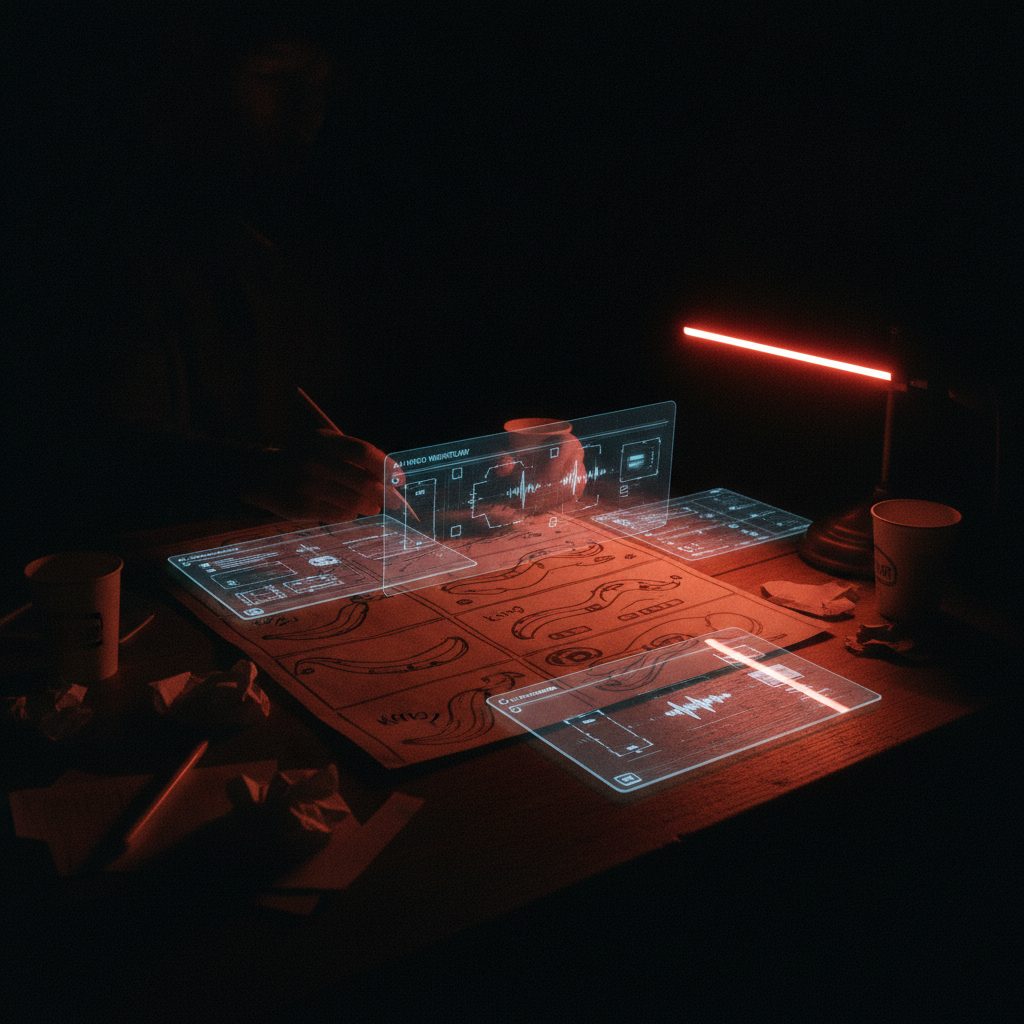
Last week a client asked me to storyboard a 30-second product film in an afternoon. Six months ago I would have laughed and quoted them three days minimum. Instead I opened ChatGPT, Nano Banana Pro, and Kling 3.0 in three tabs, and had a locked cut before dinner. No DP, no location scout arguing about permits, no crew waiting on a lighting setup. This is the part of the job that's changed the most this year, and it's the part nobody outside the industry seems to fully register yet. The pipeline itself has become the craft.
I've been running AI video workflows on real client work since Runway Gen-2 was still choking on hands, and the jump this year feels different from the usual model update. We're not just getting better single shots anymore. We're getting actual production pipelines that mimic how a film crew thinks: concept, storyboard, reference, shoot, edit. That structure matters more than any individual model's benchmark score.
The storyboard-first pipeline everyone's quietly using
Here's the workflow I've converged on. It's the same one circulating across every serious AI filmmaking Discord right now, which tells you it actually works rather than just sounding good in a demo video.
It starts with ChatGPT for the bones: describe your product, brand, and vibe in plain language and ask for a concept plus a 9-shot list. Don't overthink the prompt. Treat it like briefing a junior creative director who needs structure, not poetry.
Next comes Nano Banana Pro for the storyboard, and this is the part people underrate. Using the 3x3 grid technique, you generate all nine storyboard frames in a single call instead of nine separate ones, which cuts the cost of that stage dramatically. Just as importantly, it keeps character and product details consistent across frames because the model is reasoning about all nine at once instead of drifting shot to shot.
From there, Seedance 2.0 or Kling 3.0 Omni handle motion. Feed your storyboard stills in as visual anchors, add a reference clip for camera movement, and let the model handle the physics.
Last comes a light edit pass. Cut, grade, add music. This part hasn't changed. It's still where taste lives.
The result on that recent brand film: 3 days total, including revisions, against an estimated 2 months for a traditional shoot. That's a shift in kind, not just in speed. Manual prompting without the pipeline structure still would have eaten a week or more on the same brief, so the pipeline is the multiplier here, not any single tool.
Seedance 2.0 and Kling 3.0 are finally speaking the same language as editors
Seedance 2.0, which ByteDance shipped back in February, is still the model I reach for when audio matters. You can hand it 9 images, 3 fifteen-second video clips, and 3 audio tracks in one pass, alongside your text prompt. The character photo becomes your visual anchor, the film clip sets your camera reference, and the audio track establishes pacing before you've generated a single frame. I used the bookend-frame trick on a Web3 summit recap last month: defined the opening shot as a wide of the venue, the closing shot as a tight product hero, and let Seedance fill the middle. The camera move it invented between those two points had a push and a subtle rack focus I wouldn't have thought to storyboard myself, and I'm not used to admitting that about a tool.
Kling's recent update brought something I didn't expect to like this much: Performance Cloning. You record yourself acting out a scene, three to eight seconds, and the model extracts the performance, not just the face, and re-renders it onto a different character in a different setting while keeping the acting choices intact. For an F1-adjacent campaign I shot last month, I performed the driver's reaction beat myself in my living room, phone propped on a stack of books, and Kling rebuilt it with the actual athlete's likeness on a paddock set that never existed. The Motion Brush tool, where you draw the camera path directly on a frame, is the missing piece that finally makes this feel like directing instead of gambling on prompt wording.
One trick that actually fixed my biggest headache
Multi-object scene placement has been the most reliably broken part of this entire process for a year. Ask for "a watch on a table next to a coffee cup and a phone" and you'll get some cursed arrangement more often than not. The fix that's been circulating, and that I now use on every product shoot, is the Canva labeling method: arrange your objects in Canva first, label each one clearly, flatten it into a single reference image, then feed that in instead of describing positions in text. Accuracy jumps close to perfect. It sounds almost too simple to be a real technique, but spatial reasoning from a labeled reference image is a different task for these models than parsing spatial language, and it shows every time.
The part that's hard to shrug off
Orion, the AI-made superhero short by Stefan Flickinger, just took both Best AI Short and Audience Choice for Best Film at the AI International Film Festival in Hollywood. Not "best AI film". Best film, full stop, voted on by an audience that had traditional shorts in the same program to compare it against. I watched clips from it and the comic timing is sharp in a way that used to require a human editor's instinct for rhythm. The tools are no longer just fast. Sometimes they're better at the craft than the shortcuts we used to lean on, and after fifteen years of doing this the slow way, that's not something I expected to be writing.
I don't think that makes human filmmakers obsolete. I think it makes the ones who understand pipeline design, not just prompting, more valuable, and everyone else easier to replace.